
 Walt
WaltIt is third-and-goal. The quarterback is still adjusting the protection on your television when your phone lights up with a touchdown alert. A friend’s message arrives a moment later. By the time the ball is snapped on your screen, the surprise has gone. The same timing issue is familiar in any casino software solution that has to keep event data, account balances and player-facing screens aligned while many systems update at once..
NFL live scores and live television take different routes from the stadium to your devices. A score alert carries a small amount of information. A broadcast carries continuous pictures and sound through production, processing and playback. The word “live” describes both products, but it does not promise that they will reach you together.
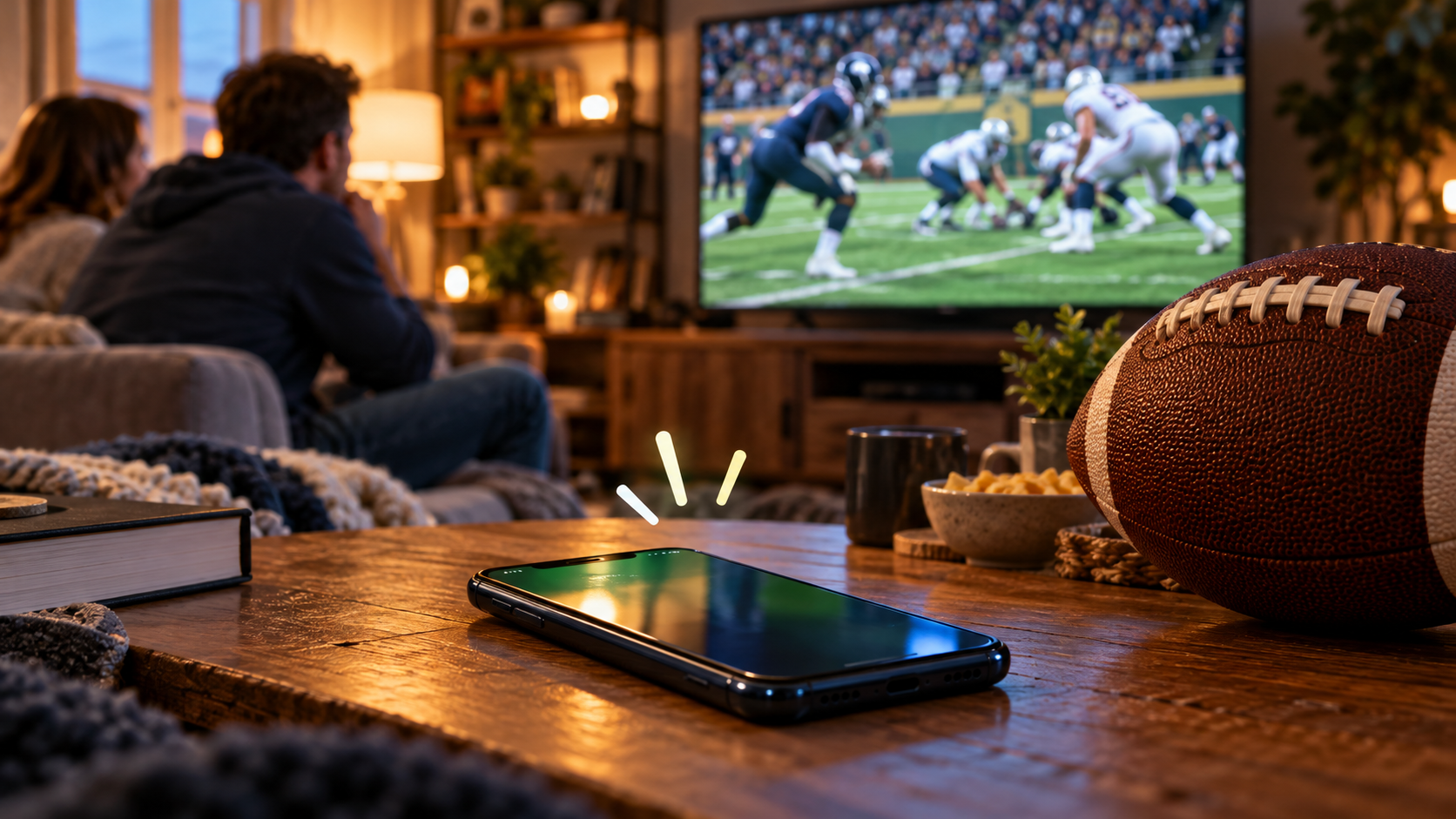
The phone and the television are following different clocks
There are several useful times to keep separate: when a play happens, when a data service publishes an update and when your screen displays it. The game clock shown alongside an update is another thing entirely. It describes the football situation, not the moment your phone received the message.
Suppose, as a made-up example, that an alert reaches you eight seconds after a touchdown while the video reaches you 25 seconds after it. The phone has a 17-second head start. Neither number is a benchmark for any broadcaster; the example simply shows why two services can be functioning normally while spoiling each other.
The order can reverse, too. A score app that has stopped refreshing may trail a smoothly playing broadcast. “My phone is ahead” does not mean phones are always faster, just as one delayed stream does not establish a permanent ranking of television services.
Why the video takes time
Before internet video reaches a viewer, it must be processed into a form that devices can play and distributed across a delivery network. The player then keeps some video in reserve so that a brief interruption does not immediately freeze the action. Each stage contributes to the distance between the field and the screen.
AWS’s explanation of streaming latency breaks the journey into stages including encoding, ingest, delivery and playback. Its guidance on low-latency HLS shows how streaming systems can make smaller portions of video available sooner. That is work for the service’s delivery system; it is not a setting that every fan can change on a router.
A broadcast can therefore remain behind the action even when the picture is sharp and uninterrupted. Smooth playback tells you that the player has enough video ready to show. It does not tell you how recently that video was captured.
Why two score apps can disagree
The data side has its own timing. An app needs to receive an update and display it, and different parts of a service may refresh at different intervals. A schedule page, a live game tracker and a notification are not necessarily showing the same update at the same moment.
Sportradar’s NFL update-frequency documentation makes this distinction explicit: the time a response is cached differs from the timing of changes in the underlying data. Its live-game guide also distinguishes game feeds from schedule feeds and explains how later corrections are retrieved. “Real time” still involves a process.
For a fan, the practical question is whether the screens describe the same play. Look at the quarter, possession, down and distance, then read the latest play description. A score alone can conceal the difference between an older update and a conflicting one.
A notification is especially easy to misread because it removes context. It may tell you that points were scored without showing the next development. Before firing off an angry message about a broken tracker, open the game view and check what it says now.
What you can change before kickoff
First, check the playback position. If you paused to answer the door or rewound a replay, return to the latest available point using the player’s live control. You may have added your own delay on top of the service’s normal delay.
Next, see whether the service offers a latency setting. YouTube TV’s broadcast-delay guidance provides a concrete example: on a TV, its playback menu offers Default and Decrease options. A smaller buffer can reduce spoilers, but it can also make interruptions more likely. If the picture begins stopping during drives, the tradeoff may not be worth it.
If playback repeatedly stalls, check the connection and app rather than assuming the broadcaster is simply slow. Google’s troubleshooting guidance includes checking updates and connection quality. A stable connection can help avoid additional interruptions; it cannot remove processing time that has already accumulated before the video reaches your home.
Keep the final drive from arriving by notification
For the game you are watching closely, mute score alerts and hide notification previews. Keep alerts for other games if they are useful, but decide which screen should tell the story of this one. That small choice often does more for the experience than chasing an uncertain few seconds of improvement.
If you watch remotely with friends, agree on a no-spoiler rule or compare the same identifiable moment before discussing a play. Use the snap or the end of a replay, rather than trusting a stopped game clock to establish perfect synchronization. Check again after anyone pauses.
There is no universal NFL broadcast delay that applies to every channel, app and device. Treat the gap you observe as a feature of that viewing setup on that day. Then put the phone down for third-and-goal and let the quarterback deliver the news.